
Account
View and update your store's business details, contact information, bank details, and store assets like logo, signature, and stamp.
The Account tab holds your store's core business information, used across invoices, bills, and other documents generated by MediFlux. This is also where you manage your store's logo, signature, and stamp.
Account Info
At the top, you'll see your store's name, plan status (e.g., Pro Active, with expiry date), and:
Click Edit to open the Edit Store Details form.
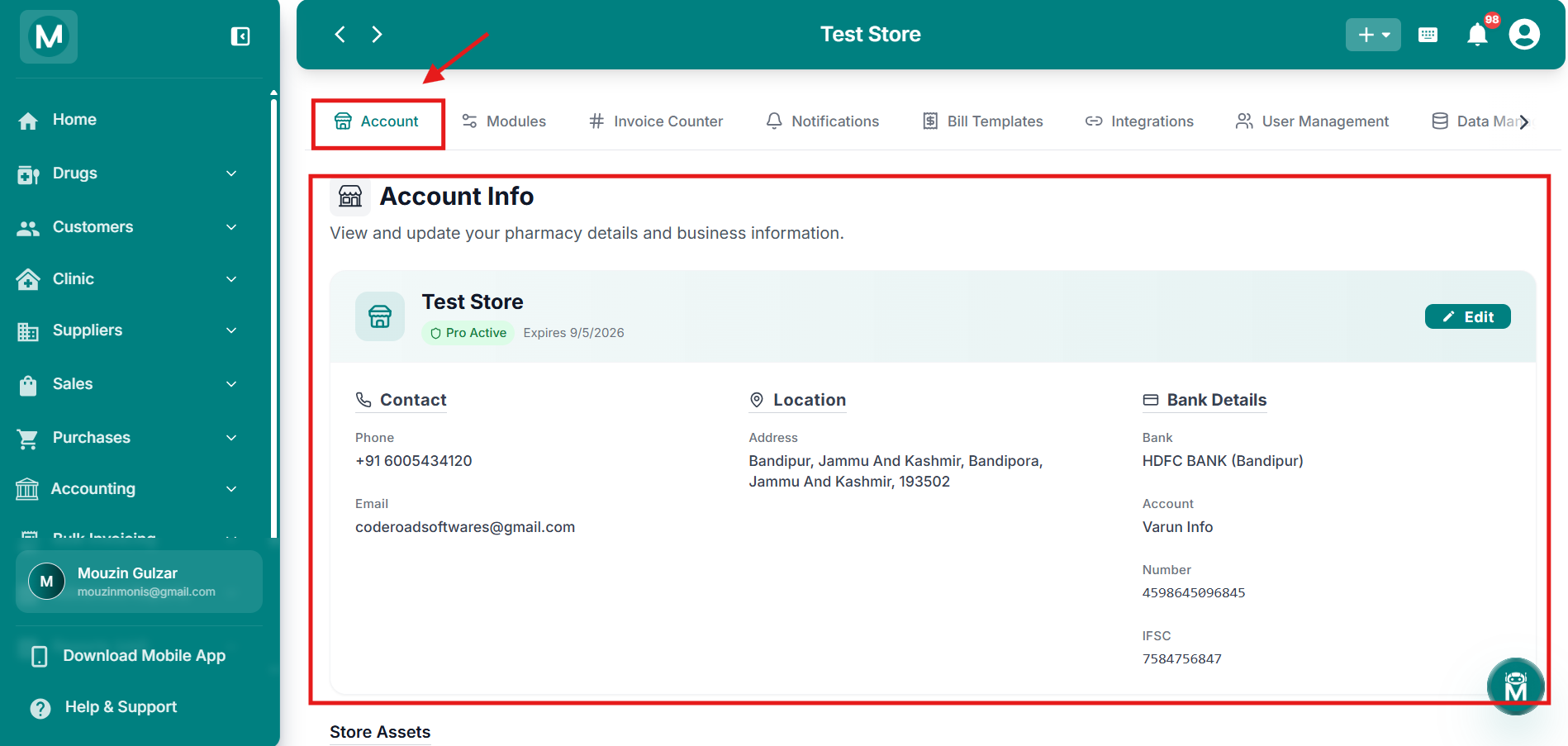
Account Info
Store name, plan status, contact details, location, and bank details at a glance.
Editing Store Details
The Edit Store Details form is split into three sections:
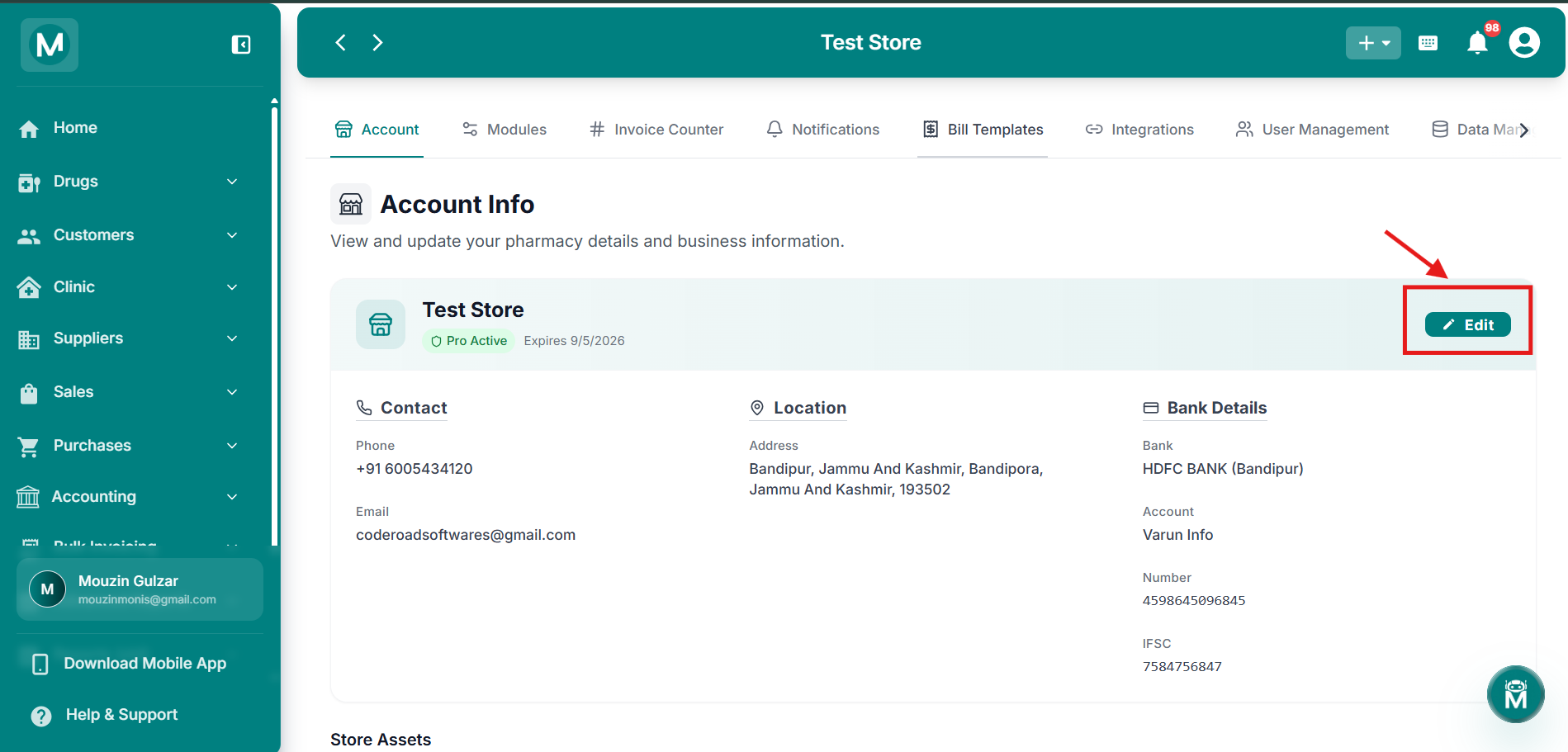
Edit Store Details
Form split into Store Information, Address, and Bank Details sections.
Store Information
Address
Bank Details
Click Save to update your details, or Cancel to discard changes.
Edit Store Details Form
All fields filled in, Store Information, Address, and Bank Details.
Phone and Email have their own Edit option within the form, separate from the rest of the store details, since changing these may require additional verification.
Store Assets
Below Account Info, three collapsible sections let you manage documents used on your invoices and bills:
Click on any asset to expand it and view the current file. Click the asset again to open the Change Asset dialog, where you can drag and drop a file or browse to upload a new one (up to 2MB).
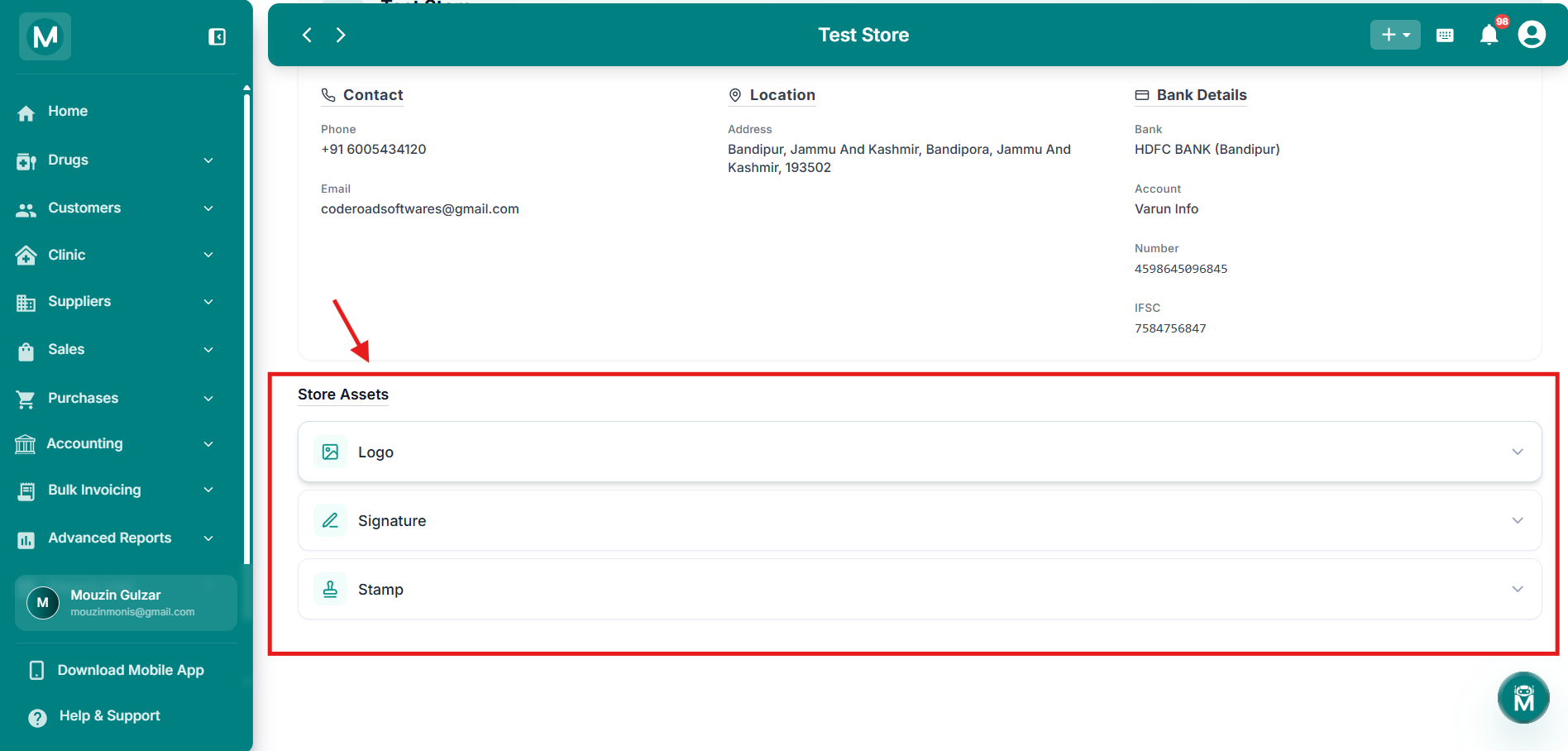
Store Assets
Logo, Signature, and Stamp sections with upload and change options.
FAQs
What'S Next
Your store details are set. Here's where to go from here.