
Pending Bookings
Review and approve or reject online booking requests made through your public booking link.
When a patient books an appointment themselves using your Public Booking Link, it doesn't get added directly to your Appointments list. Instead, it lands here as a Pending Booking, waiting for you to review and approve or reject it.
Searching Pending Bookings
The search bar lets you search by patient name or phone. A 1 Pending counter at the top shows how many booking requests are awaiting action, and the refresh icon reloads the list.
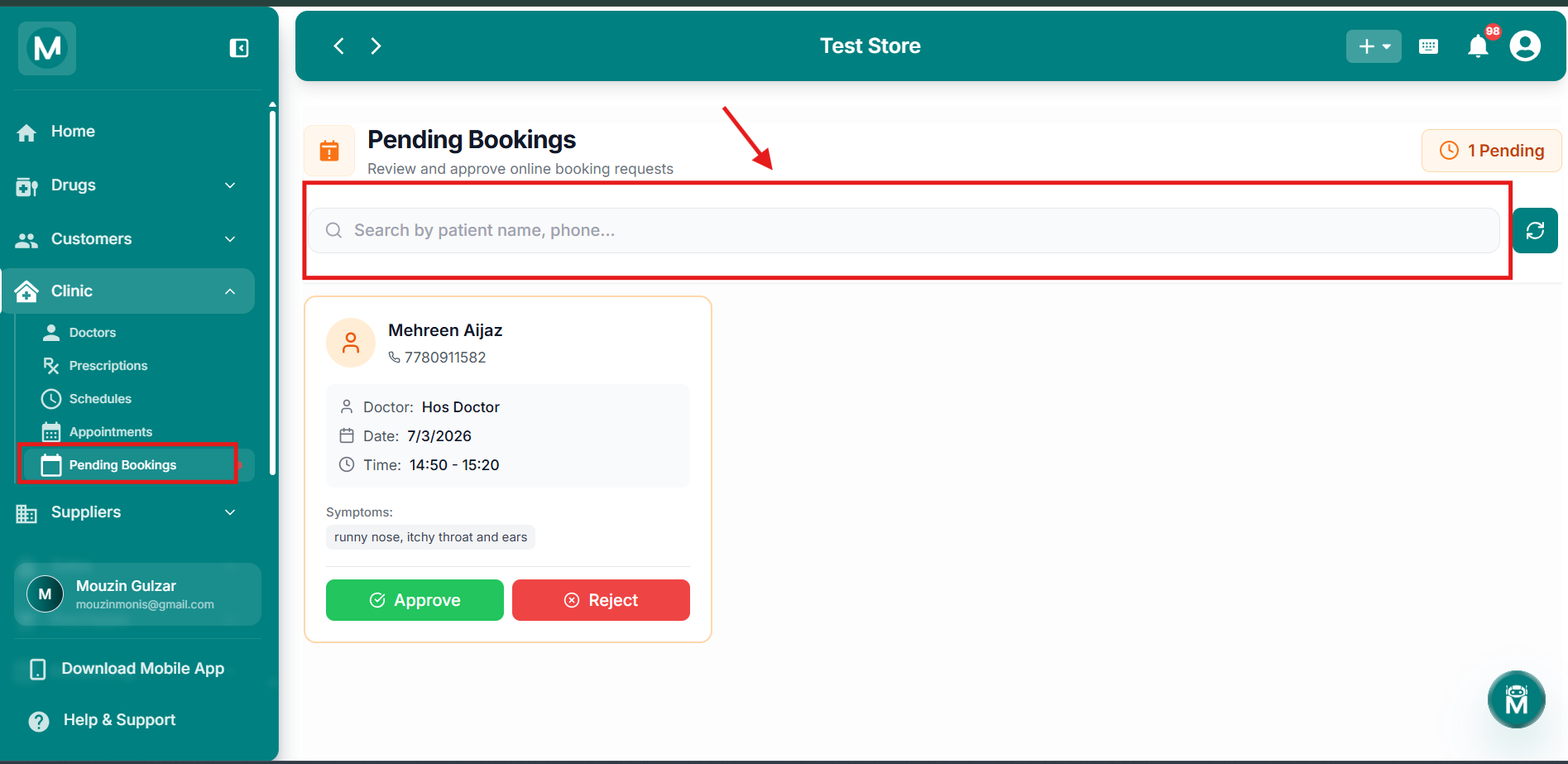
Pending Bookings page
Search pending bookings by patient name or phone with pending counter
Booking Request Cards
Each pending booking is shown as a card with:
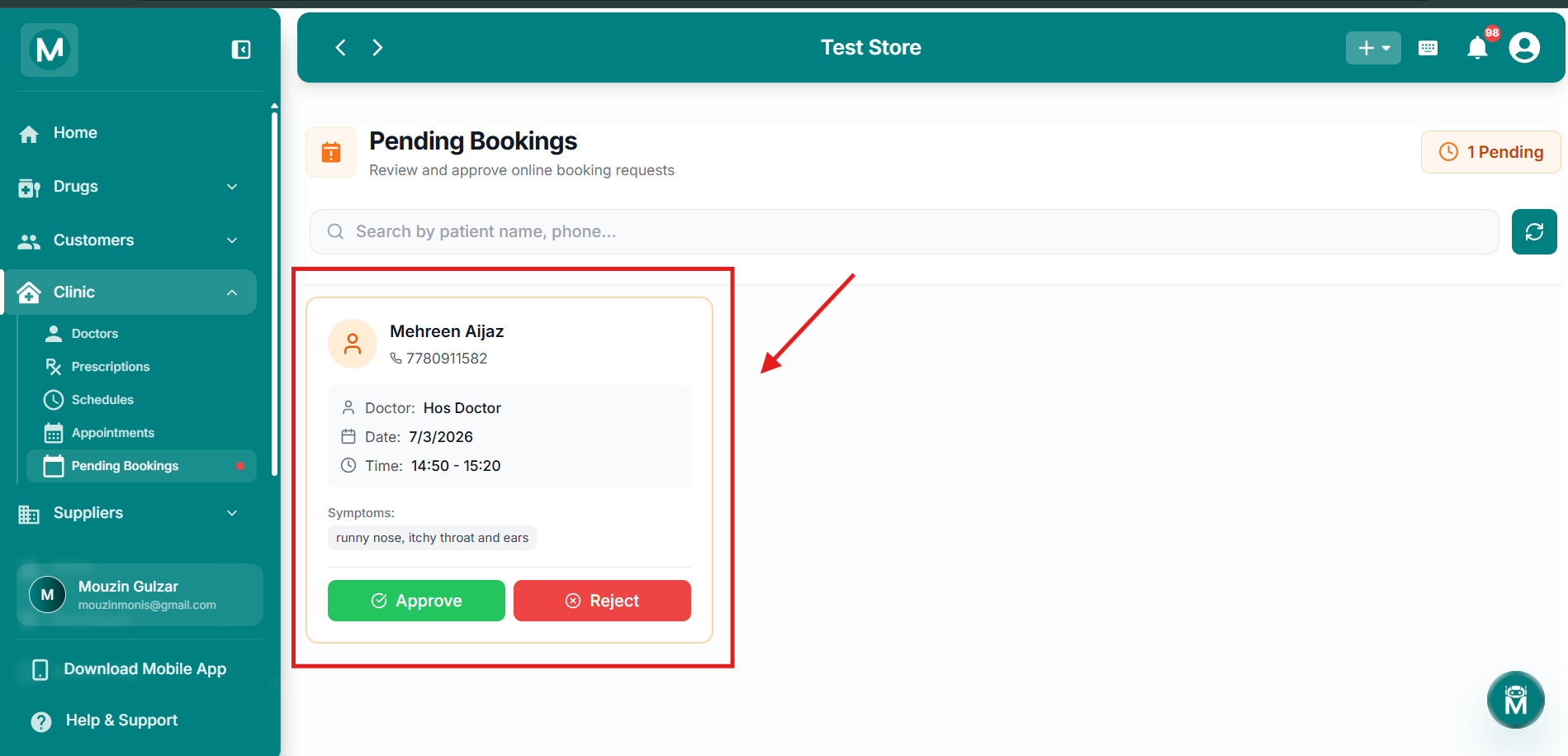
Booking request card
Pending booking card showing patient details, doctor, date, time, and symptoms
Approving Or Rejecting A Booking
Each card has two actions:
Once a booking is approved, it moves to the Appointments page. Bookings left pending don't get scheduled automatically, they need action from you.
FAQs
Common Mistake To Avoid
Don't approve without checking availability
Approving a booking without checking doctor availability can lead to double-bookings. Since these are patient-submitted requests, always double-check the requested date and time don't conflict with existing appointments before confirming.