
Settings
Manage your store's account details, modules, billing preferences, notifications, integrations, users, and subscriptions, all from one place.
The Settings section is where you configure how MediFlux works for your pharmacy, from your store's business details and bank information to invoice numbering, notifications, integrations, and who on your team has access. It's not part of the main sidebar; instead, you'll find it under your profile icon in the top-right corner of any screen.
Accessing Settings
Click the profile icon in the top-right corner to open a dropdown with:
Click Settings to get started.
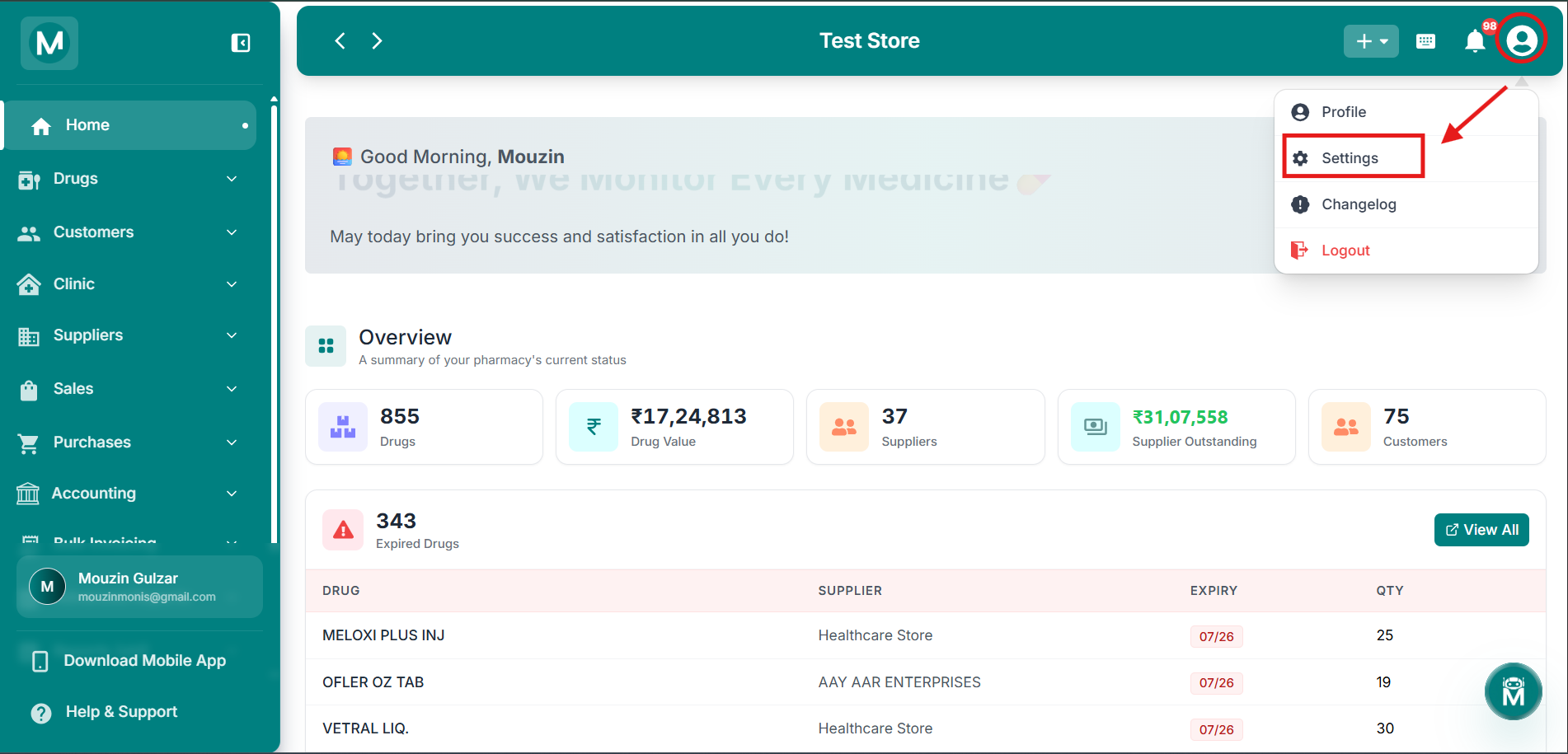
Profile Dropdown
Click the profile icon to access Settings, Changelog, and Logout.
Navigating The Settings Section
Once inside Settings, eleven tabs run across the top of the page:
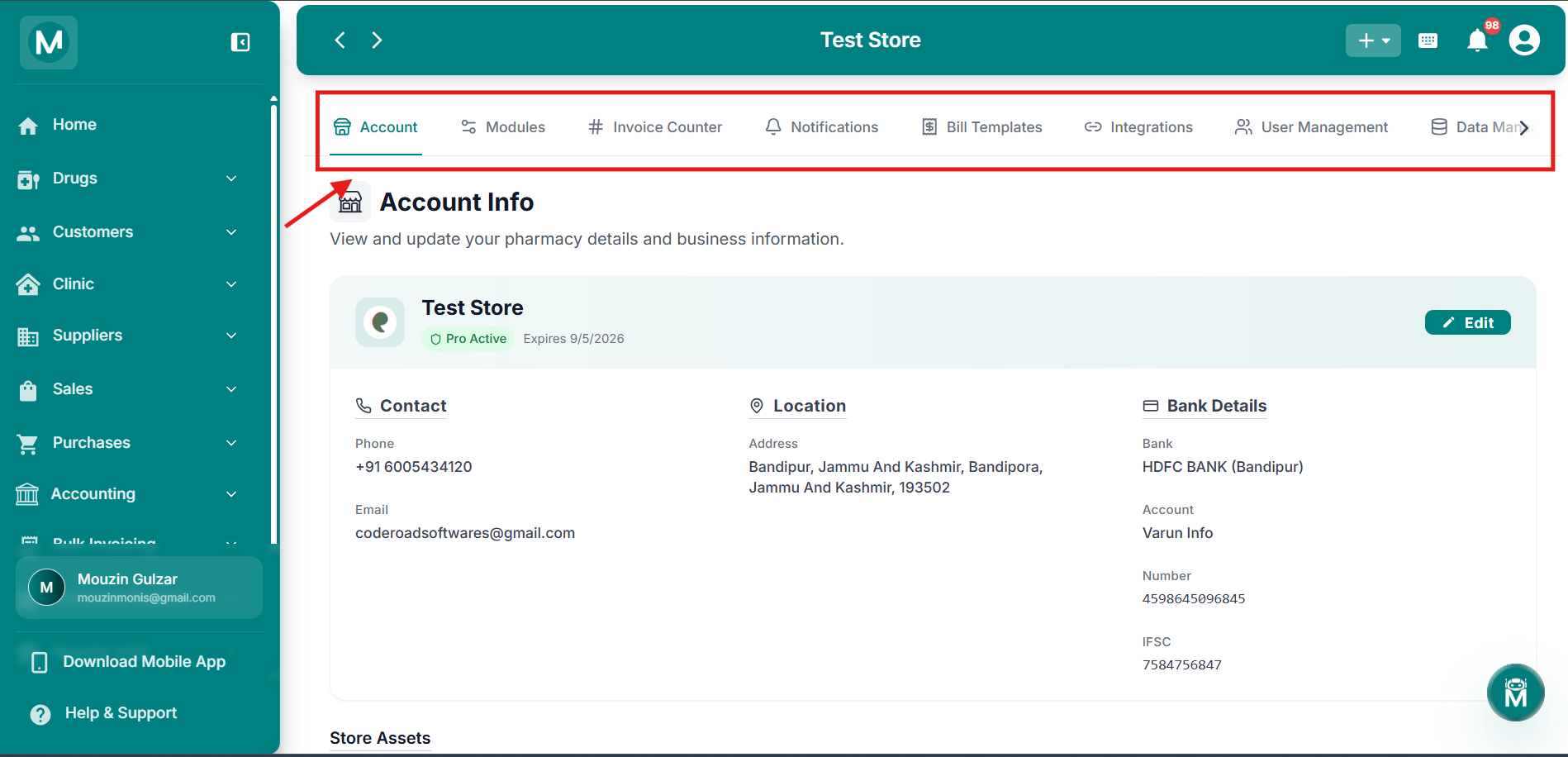
Settings Tabs
Eleven tabs across the top for Account, Modules, Invoice Counter, Notifications, Bill Templates, Integrations, User Management, Data Management, Subscriptions, Accounting Settings, and Referrals.
Configure Your Store
Set up your pharmacy exactly how you need it. These settings control how MediFlux looks, bills, notifies, and integrates with your daily workflow.
Account
Business details, contact info, bank details, and store assets like logo, signature, and stamp.
Modules
Enable or disable MediFlux modules for your store.
Invoice Counter
Configure invoice numbering for your bills.
Notifications
Manage notification preferences.
Bill Templates
Customize how your bills and invoices look.
Integrations
Connect MediFlux with other tools and services.