
Returned
View all returned sales and process returns directly from the Sales List.
The Returned page shows a complete record of every sale that has been returned in your pharmacy. Each entry is linked to the original sale and customer, making it easy to track what was returned, when, and how much was credited.
Navigate here from the sidebar: Sales → Returned.
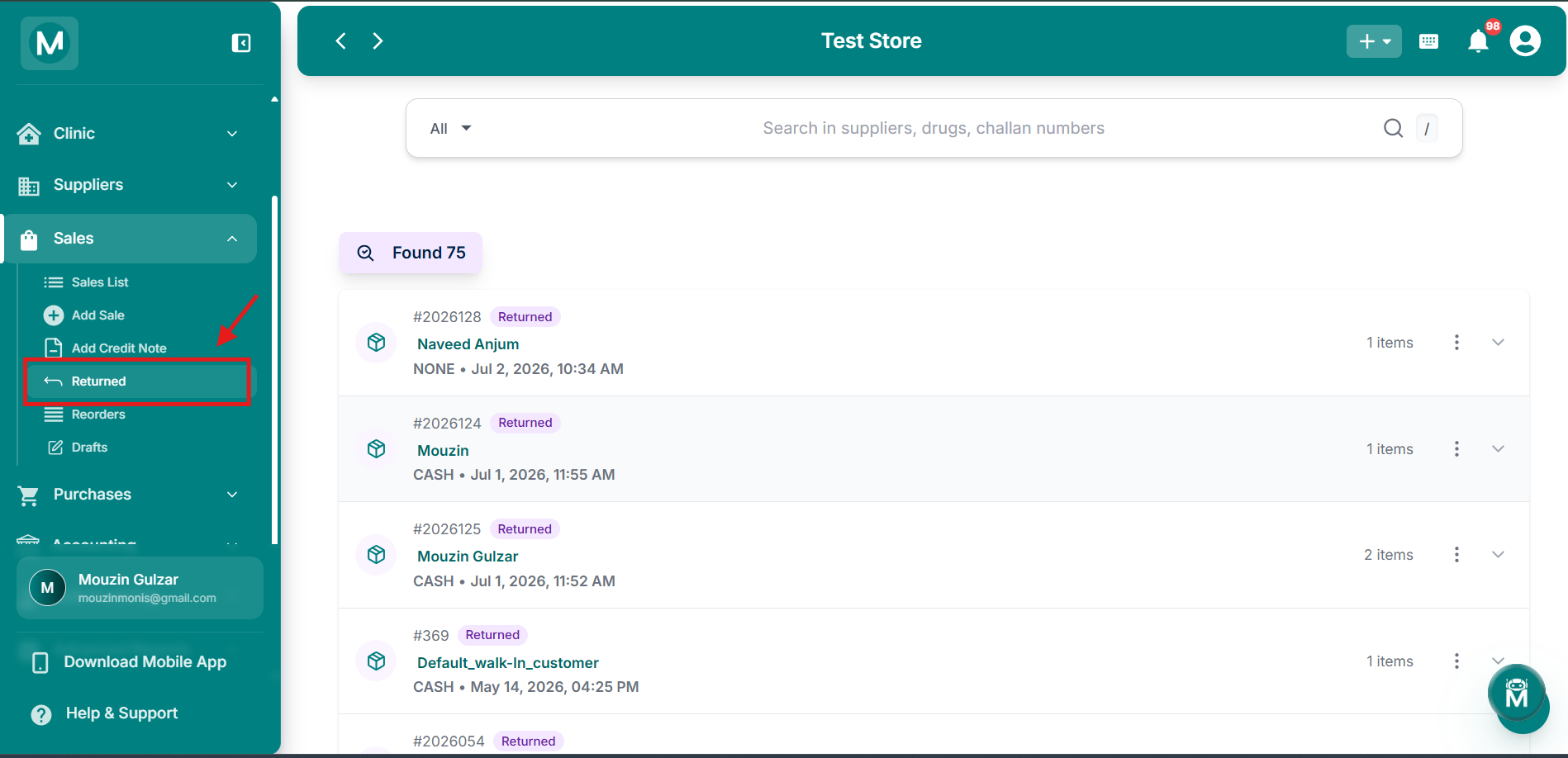
Returned Sales
Navigate to returned sales from sidebar.
How To Return A Sale
You can initiate a return directly from the Sales List without navigating away. Click the three-dot menu (⋮) on any sale row and select Return Sale.
A confirmation dialog appears showing:
- The customer name and sale number
- Current outstanding balance for this sale
- A warning that this action cannot be undone. All drugs in the sale will be returned to inventory
You'll also need to confirm whether a refund was initiated:
Click Return Sale to confirm, or Cancel to go back.
Once confirmed, a "Sale returned successfully!" message appears and the returned sale is recorded in the Returned page. All drugs from the sale are automatically added back to your inventory.
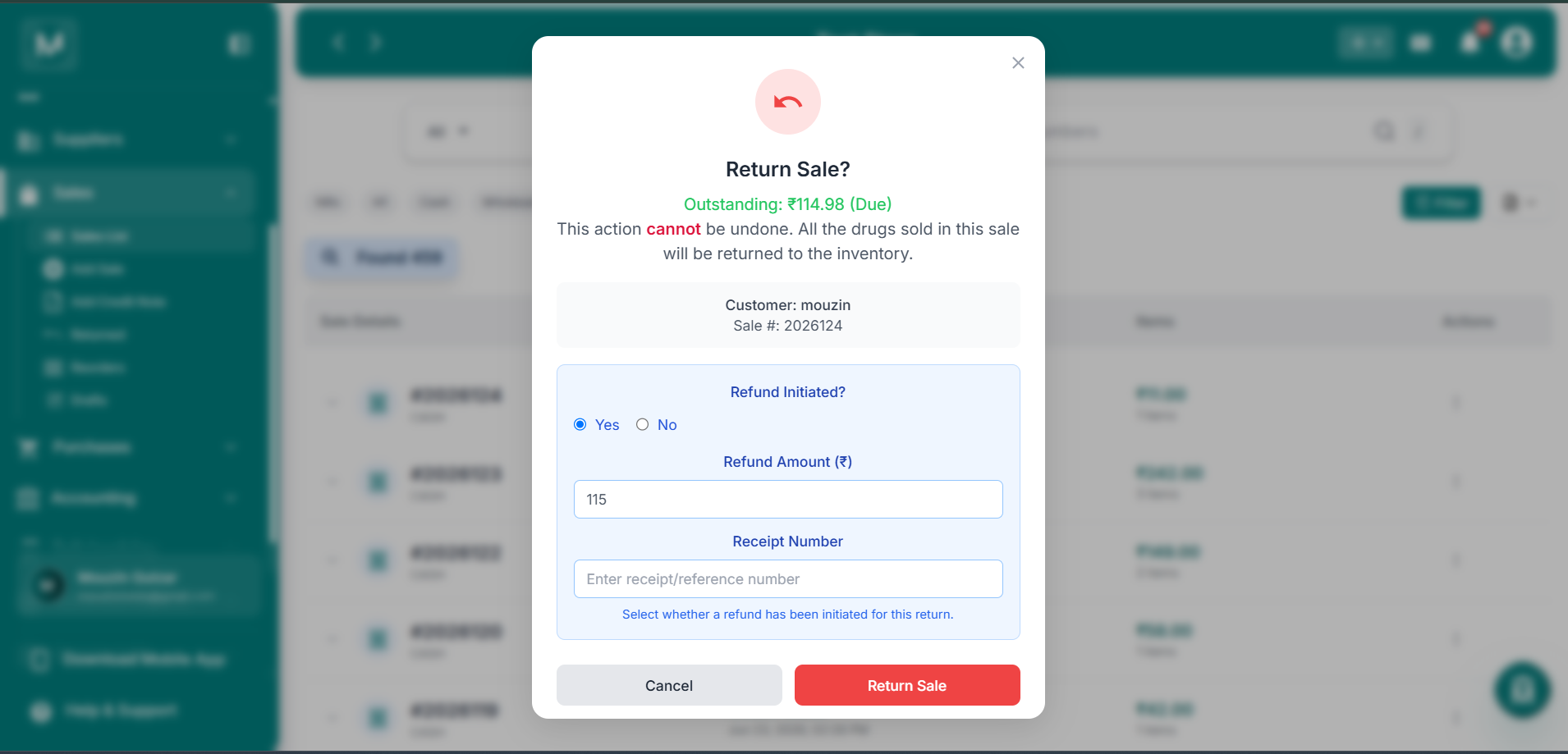
Return Sale confirmation dialog
Customer name, sale number, outstanding balance, and refund details.
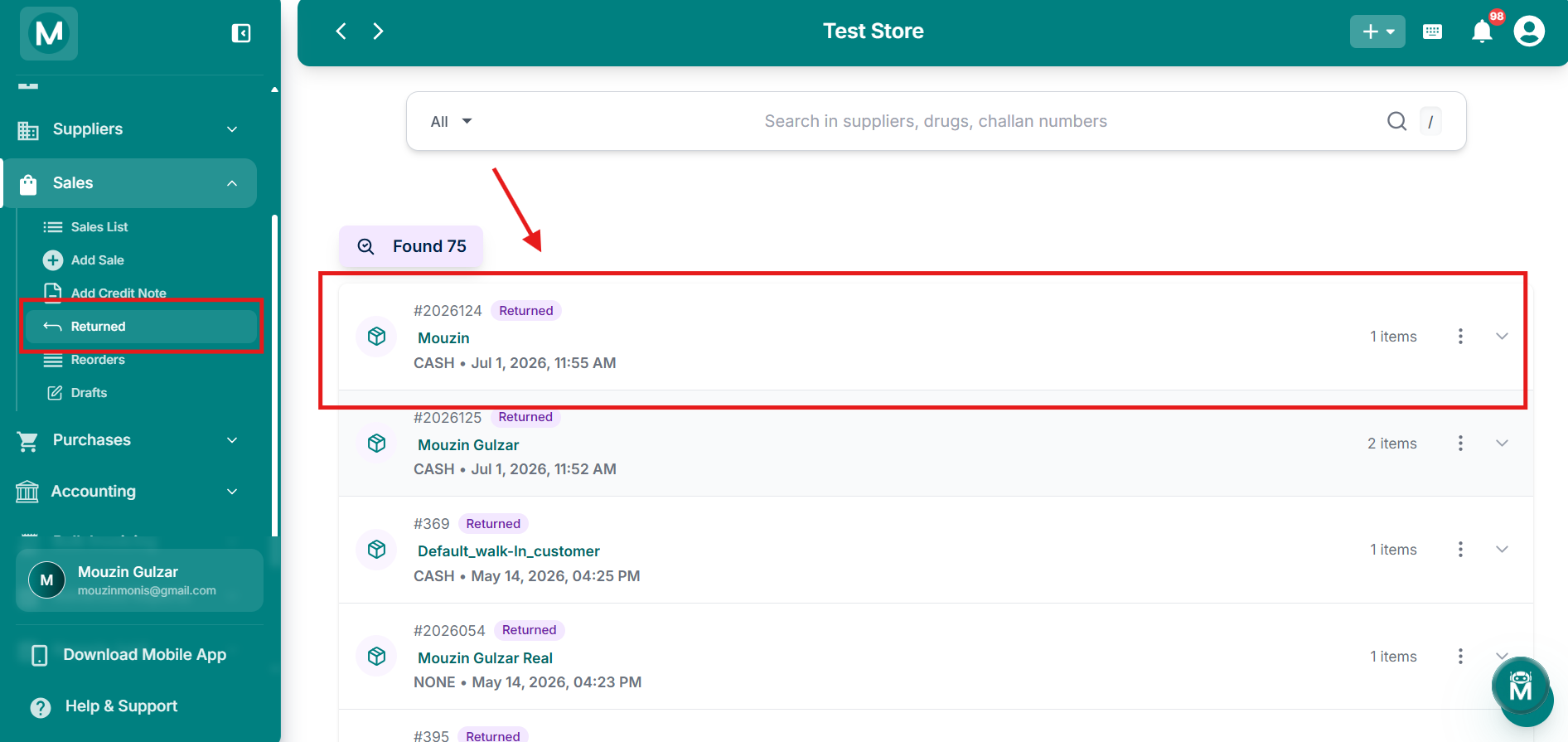
Sale returned successfully
Toast message confirming the return has been processed.
Returning a sale cannot be undone. All drugs in the sale are returned to inventory immediately. Make sure the details are correct before confirming.
Viewing Returned Sales
Each return is displayed as a card showing:
The page shows a Found X count above the list indicating how many returns are recorded.

Returned page
List of returned sales with invoice numbers, customer names, and return details.
Expanding A Return
Click the chevron (▾) on the right of any return card to expand it and see the full line item breakdown:
The Grand Total is shown at the bottom right of the expanded row.

Expanded return row
Line item breakdown with HSN, product, batch, expiry, quantity, MRP, discount, and total.
Row Action, Print
Clicking the three-dot menu (⋮) on any return card gives you one action:
- Print: print the return record