
Inventory
Manage your drug inventory, track stock levels, monitor expiries, and keep your pharmacy's stock accurate, all from one place.
The Inventory section (labelled Drugs in the sidebar) is where you manage every medicine and stock item your pharmacy holds. It shows you how many units you have, what they cost, when they expire, which supplier they came from, and lets you keep this information accurate as stock moves in and out of your store.
What You Can Do In Inventory
- View your complete drug inventory: stock levels, batch numbers, HSN codes, trade price, MRP, and expiry, all in one list
- Track stock value: see your total inventory value and cost at a glance
- Monitor expired and out-of-stock drugs: stay on top of stock that needs attention
- Update drug details: correct batch numbers, rack numbers, stock, tax rates, and more
- Reorder drugs: send a purchase order directly to a connected supplier
- Raise debit notes: request a return to your supplier for a purchased drug
- Share your catalog: generate secure, time-limited links to share your stock list with partners or customers
- Import your inventory in bulk: upload a CSV or Excel file to add drugs quickly, useful when setting up MediFlux for the first time
- Export inventory data: download your drug list for accounting and record-keeping
Navigating The Inventory Section
The Drugs section in the left sidebar expands into five pages:
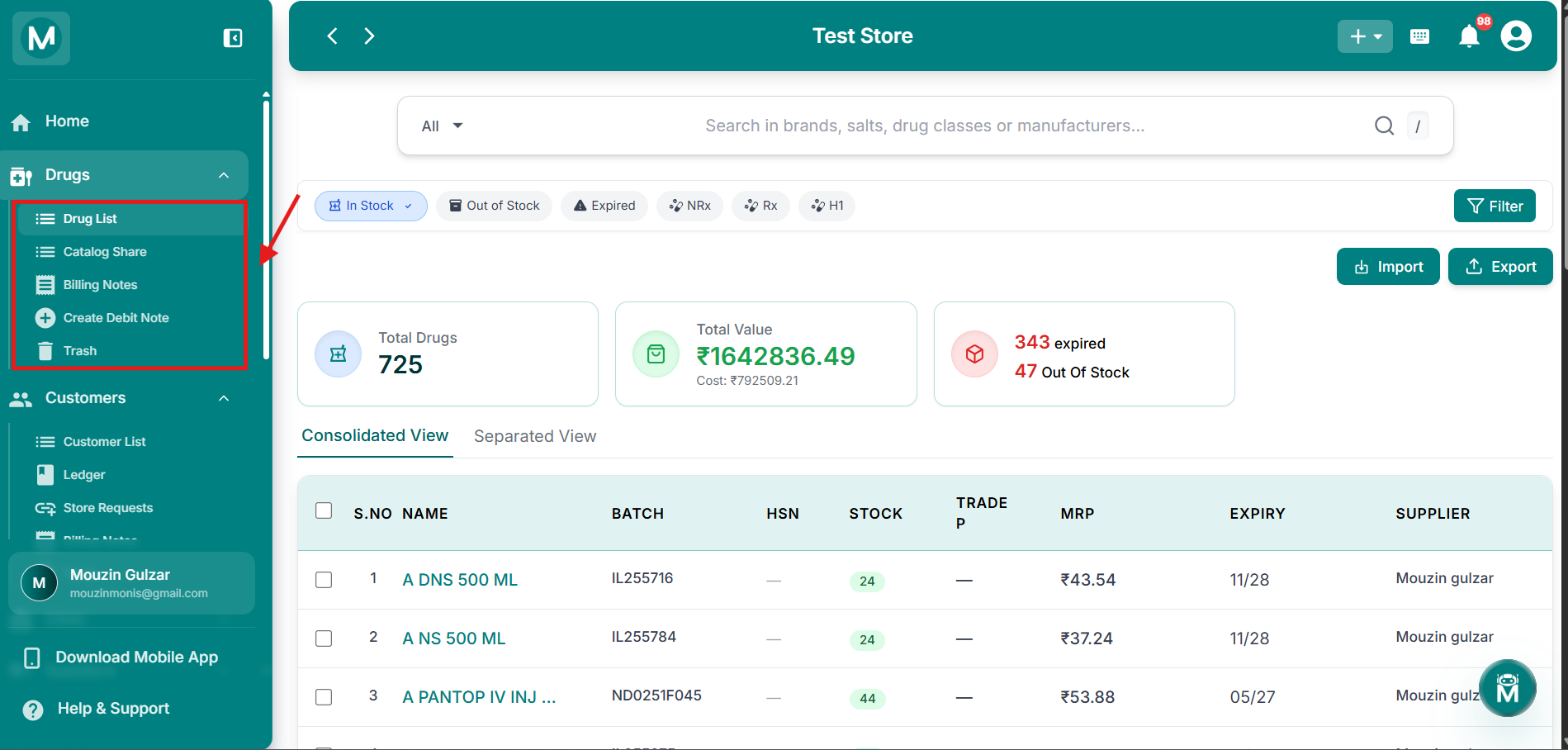
Drugs sidebar navigation
Sidebar showing Drug List, Catalog Share, Billing Notes, Create Debit Note, and Trash.
Quick Actions From The Dashboard
Inventory doesn't have a dedicated "Add Drug" quick action. Instead, drugs are added to your inventory when you record a purchase. The Add Purchase option in the + quick-add menu (top-right corner of any screen) lets you add drugs bought from a supplier, and they'll automatically reflect in your inventory.
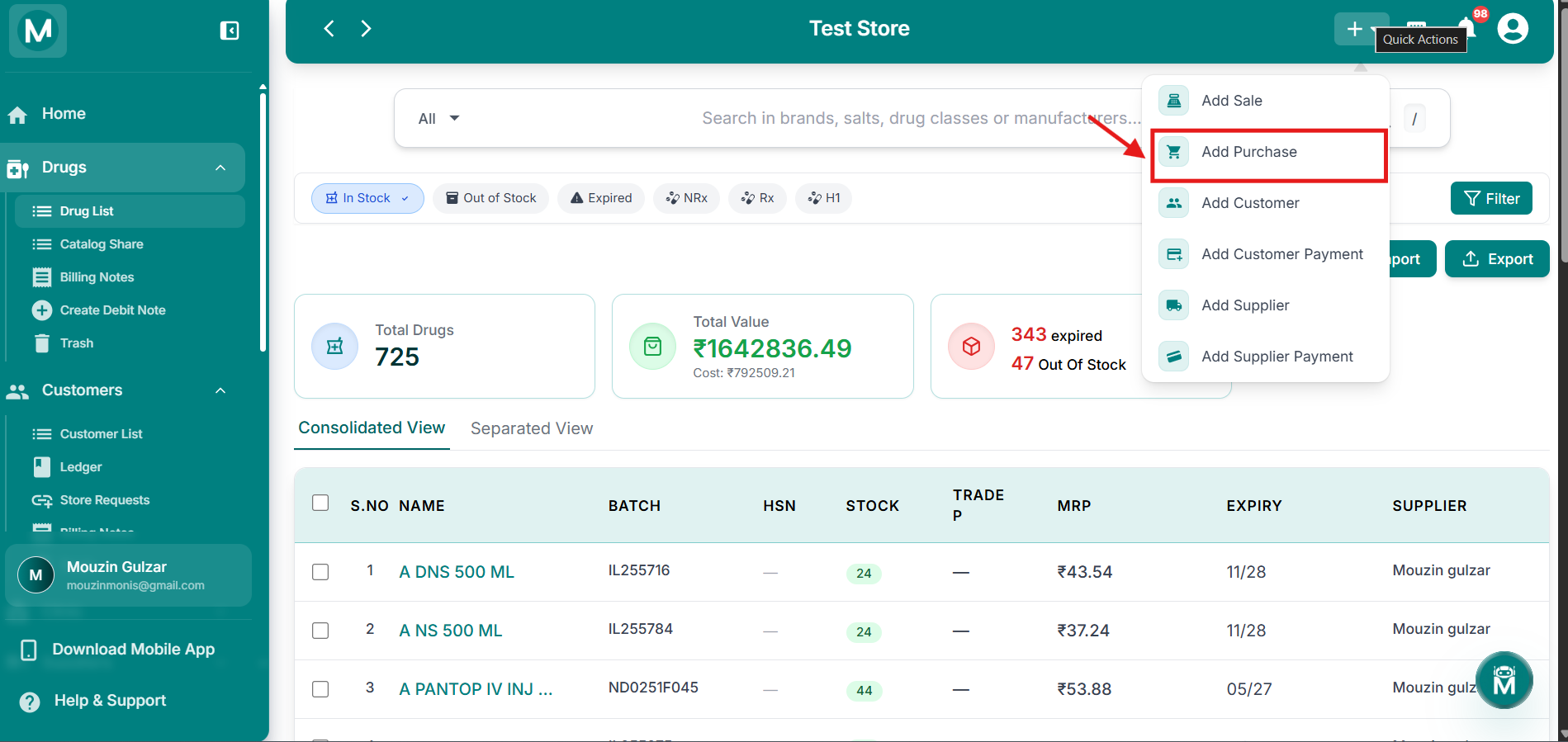
Dashboard + menu
Add Purchase option in the quick-add menu.
To manually update an existing drug's details, like stock, batch, or tax rates, use the Update action from the Drug List instead. New drugs are added through purchases, not directly from Inventory.
Drug Types
Every drug in your inventory is classified under a Type:
You can filter your Drug List by type at any time.
Drug List
The Drug List is your central inventory view. Search and filter drugs by name, composition, stock status, or expiry. View key details at a glance including current stock, MRP, trade price, batch number, and supplier. Update drug information, adjust stock levels, and reorder directly from the list.
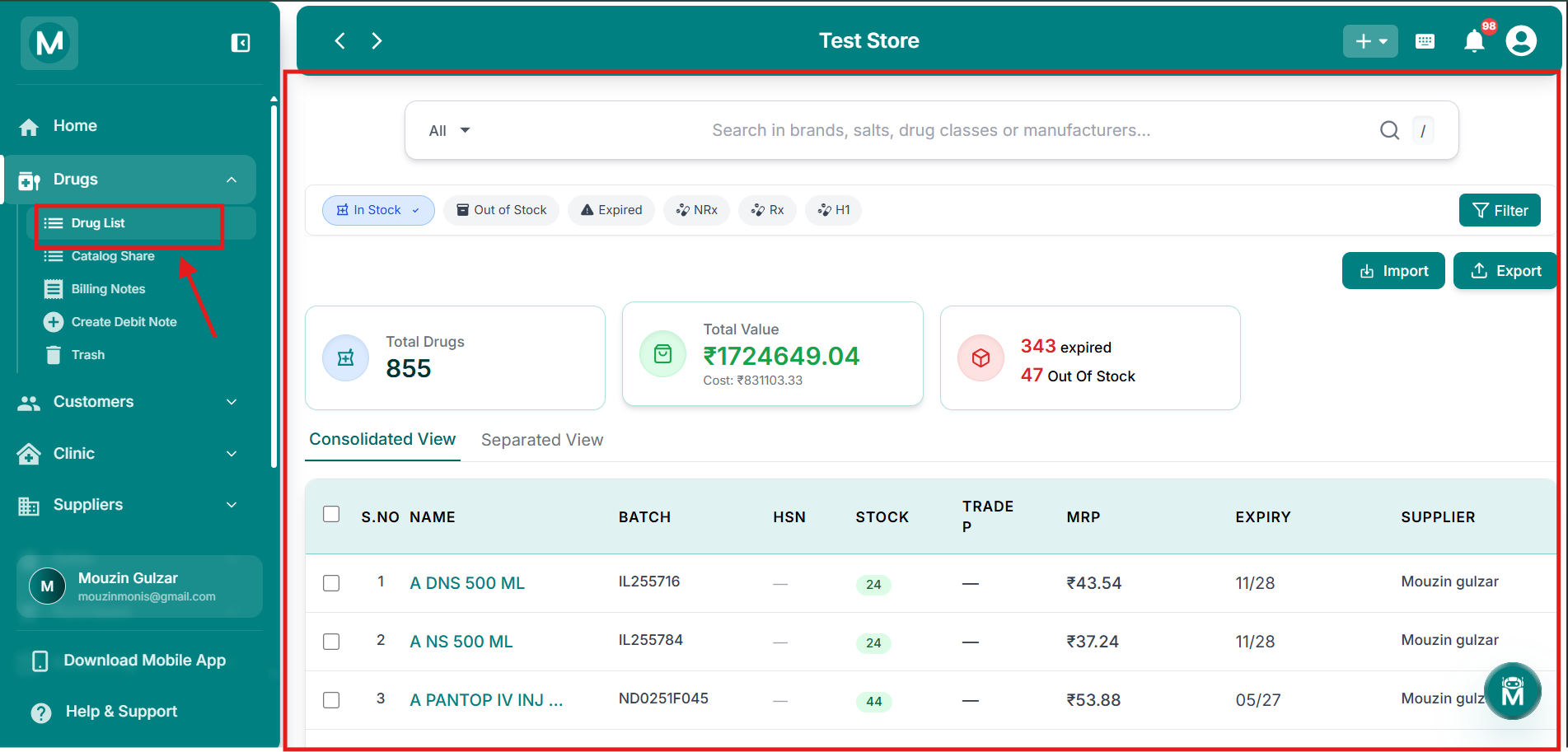
Drug List
Complete inventory view with search, filters, and drug details.
Catalog Share
Catalog Share lets you generate secure, time-limited links to share your product catalog with partners, customers, or other stakeholders. They can view your available stock without accessing your MediFlux account. Set expiry dates on links and revoke access anytime.
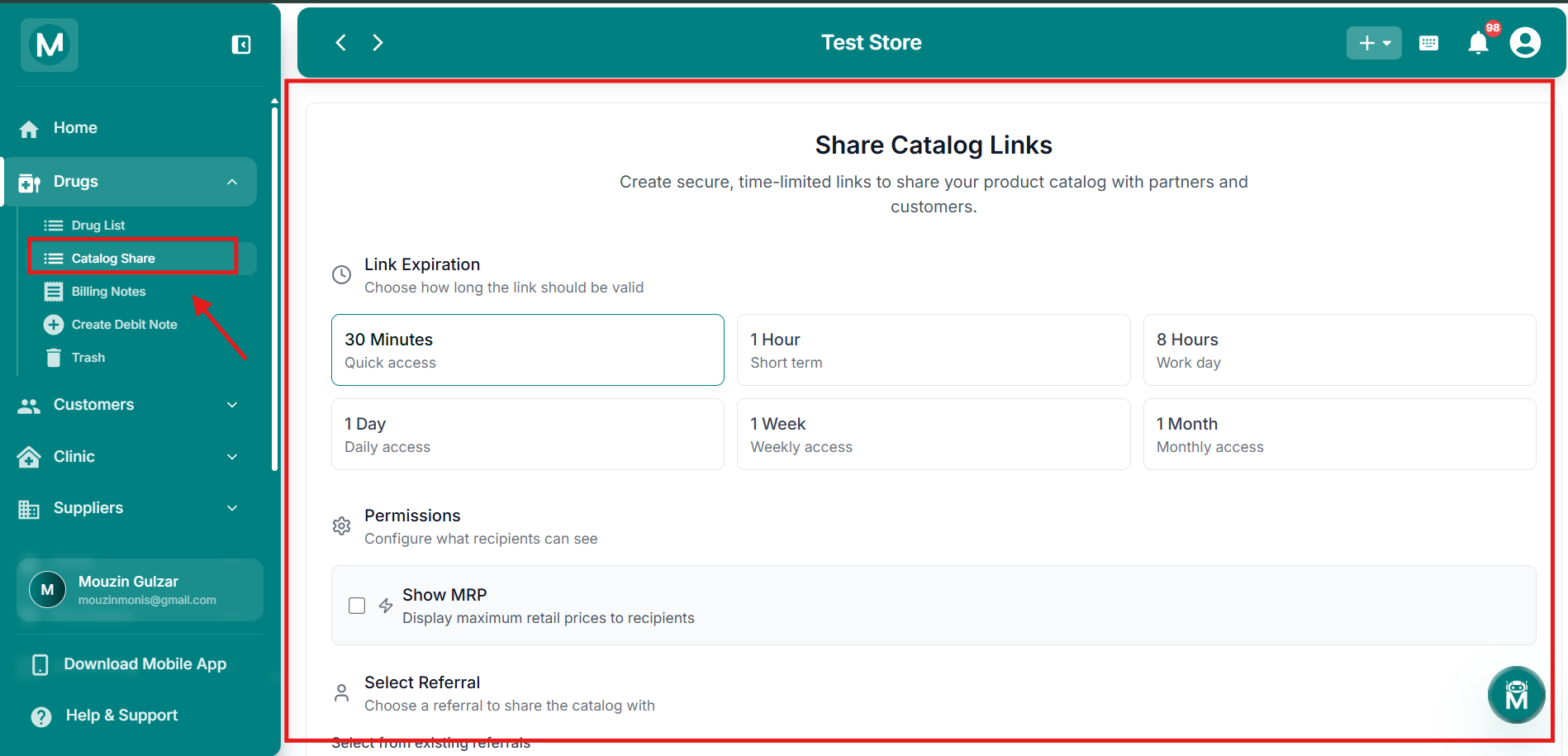
Catalog Share
Generate and manage secure shareable catalog links.
Billing Notes
Billing Notes tracks all debit notes you've raised to suppliers and credit notes you've received back. View status, amounts, and settlement details in one place. Filter by date, supplier, or note type to stay on top of returns and adjustments.
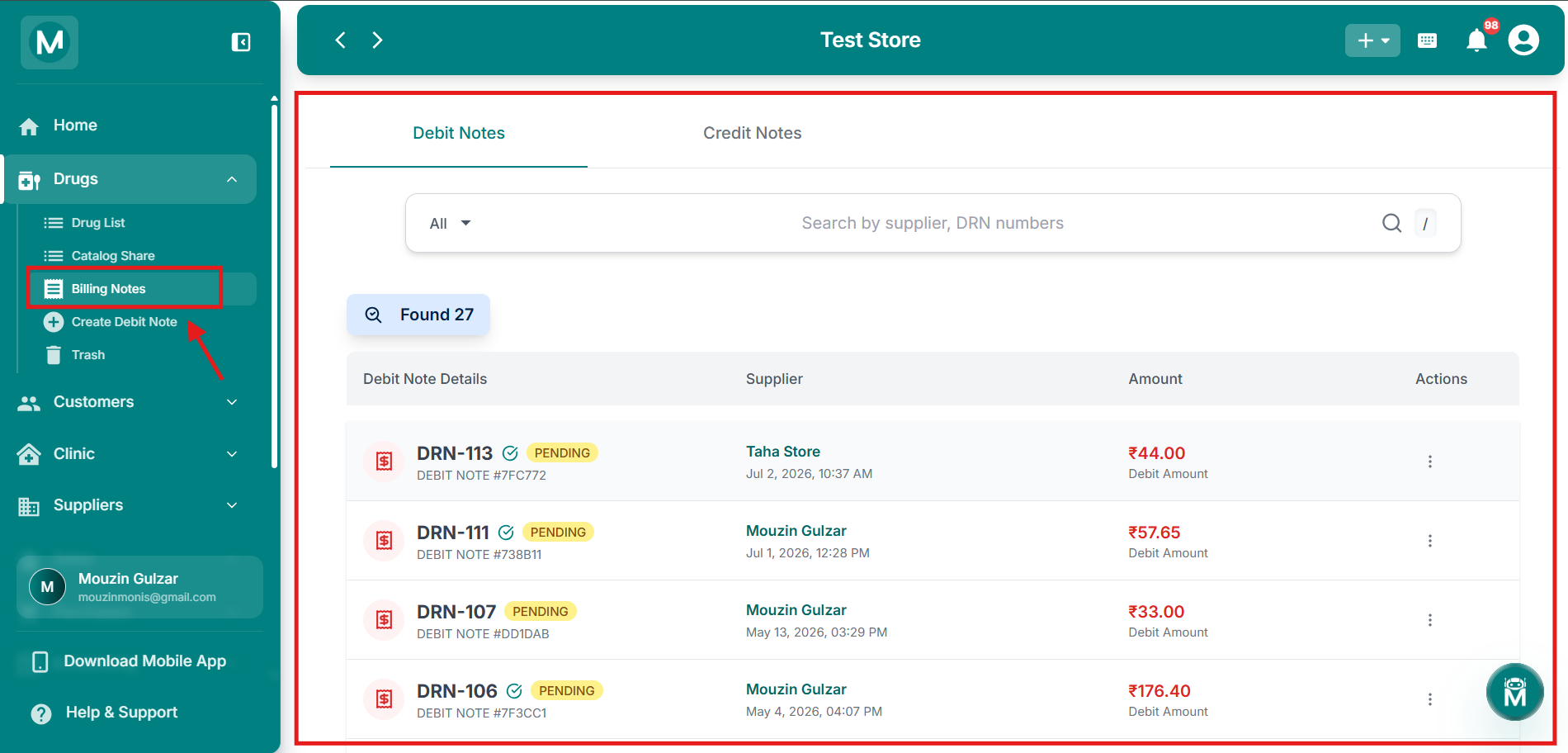
Billing Notes
Track debit notes raised and credit notes received from suppliers.
Create Debit Note
When you need to return a drug to your supplier, due to expiry, damage, or overstock, use Create Debit Note. Select the drug, specify the quantity and reason, and send the debit note directly to the supplier. This automatically adjusts your inventory and supplier ledger.
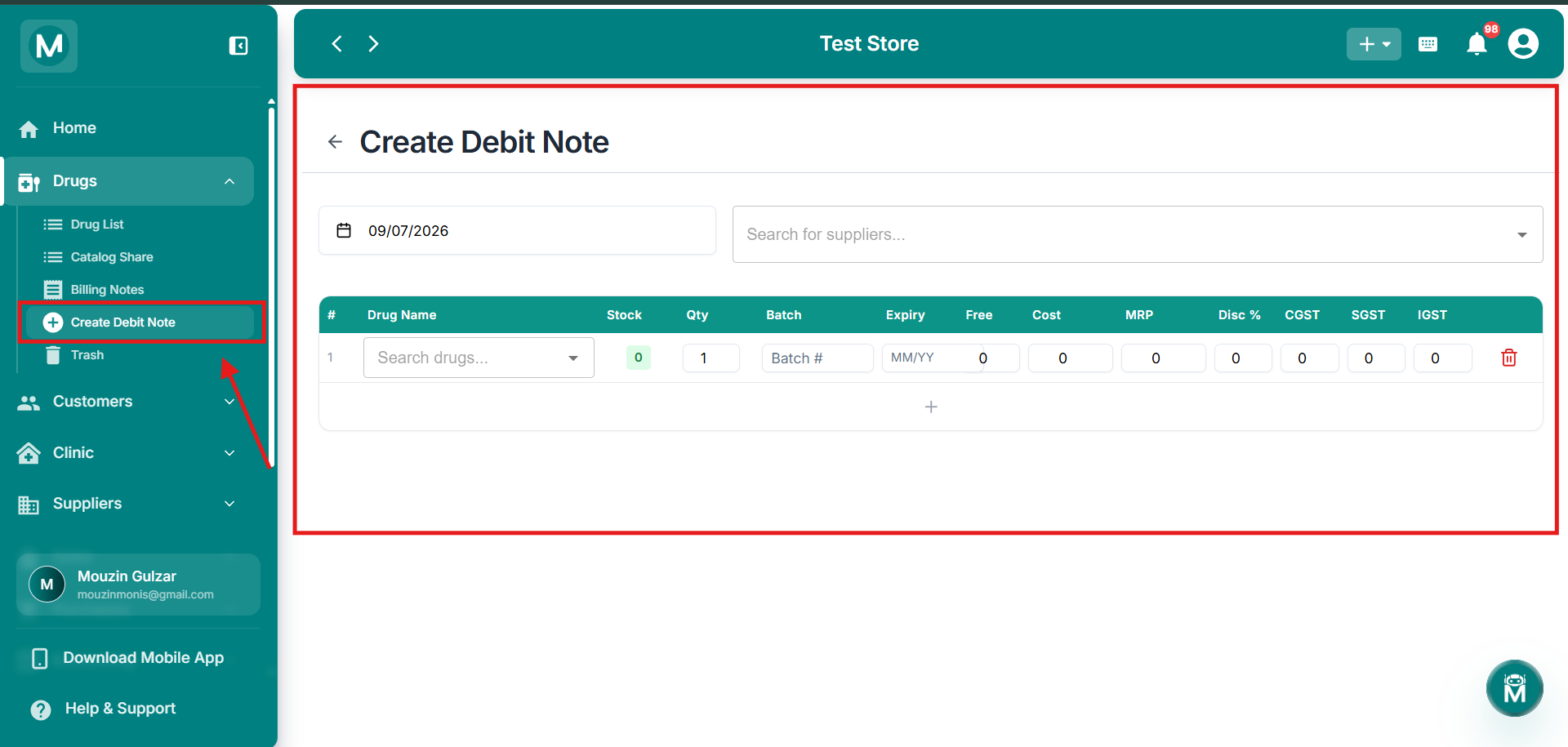
Create Debit Note
Raise a debit note to request a return from your supplier.
Trash
Deleted drugs aren't gone forever. The Trash page holds all inventory items that have been removed, so you can restore them if needed. View deletion history, check associated stock and batch details, and restore drugs back to active inventory with one click.
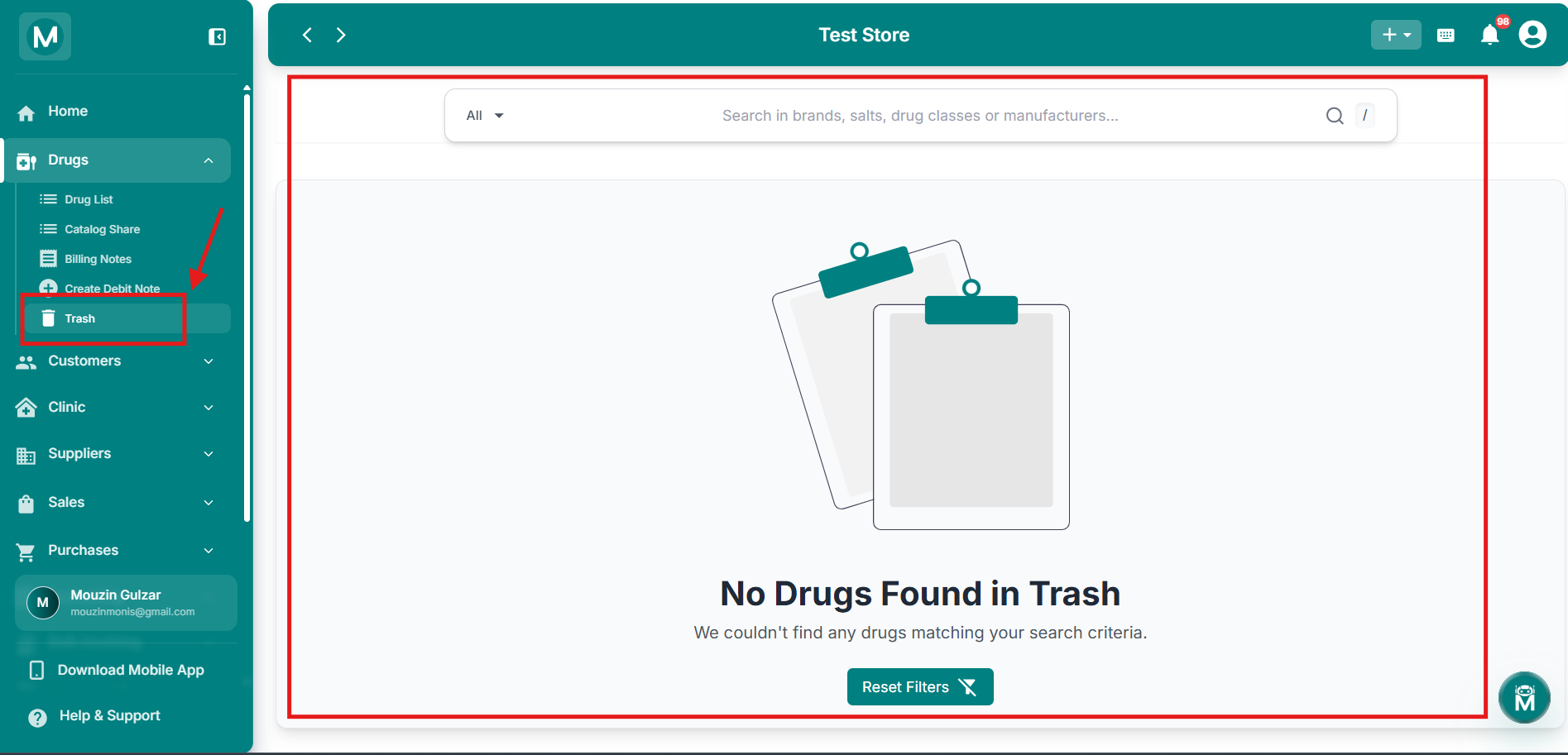
Trash
Recover deleted drugs and view deletion history.